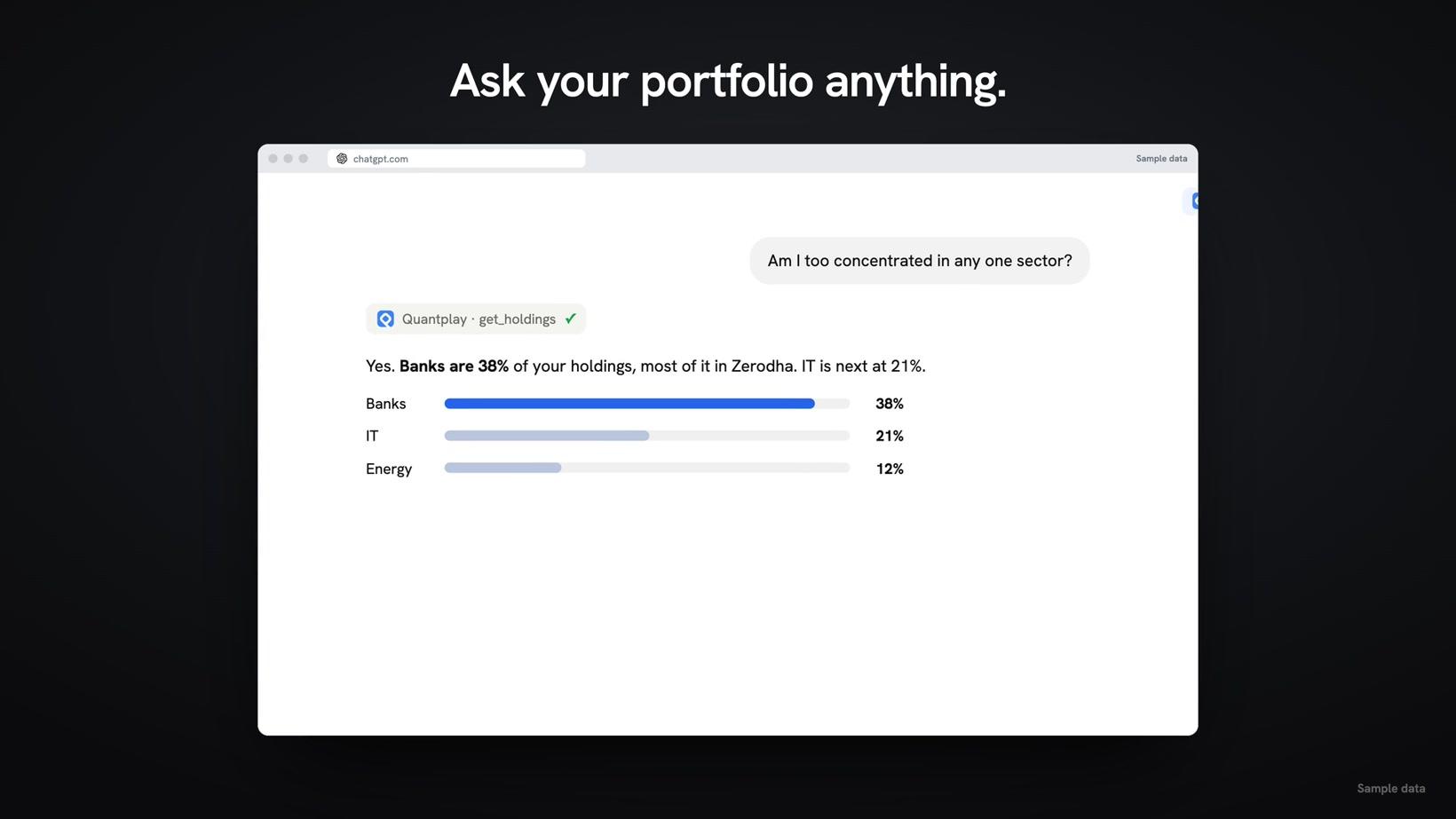
Ask your portfolio anything
ChatGPT answers today's P&L across connected accounts, then checks sector concentration.
Watch 0:10 →Watch your AI read connected accounts, place an allowed order and work with limits that run on Quantplay's servers.
Quantplay connects your AI to 10+ Indian brokers. Add the connector, choose permissions and ask about your accounts.
Reading is free. PRO is ₹700 per broker account per month for orders, risk limits and a static IP.
ChatGPT answers today's P&L across connected accounts, then checks sector concentration.
Watch 0:10 →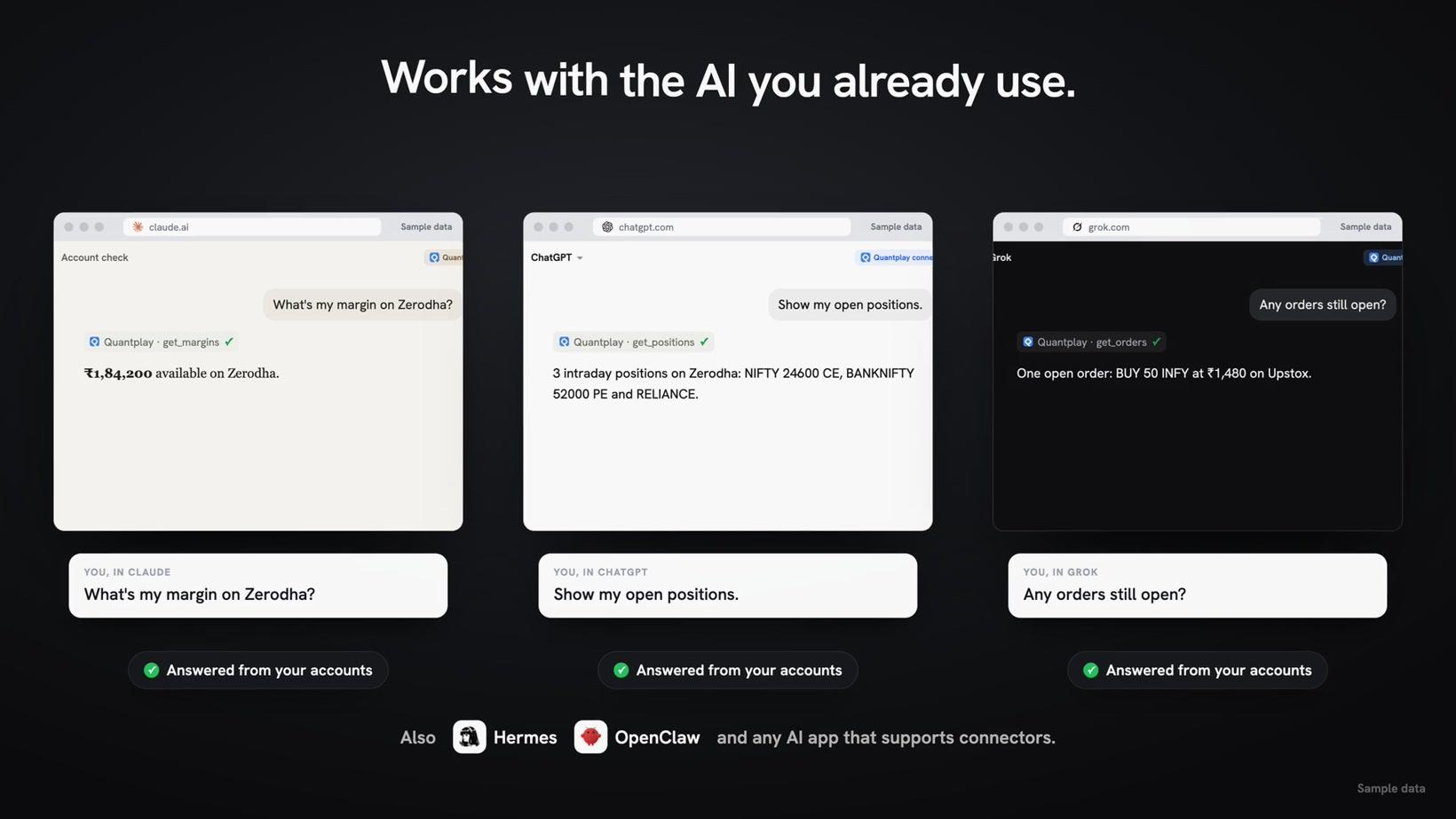
One link connects Claude, ChatGPT and Grok, plus Hermes, OpenClaw and any AI app that supports connectors.
Watch 0:21 →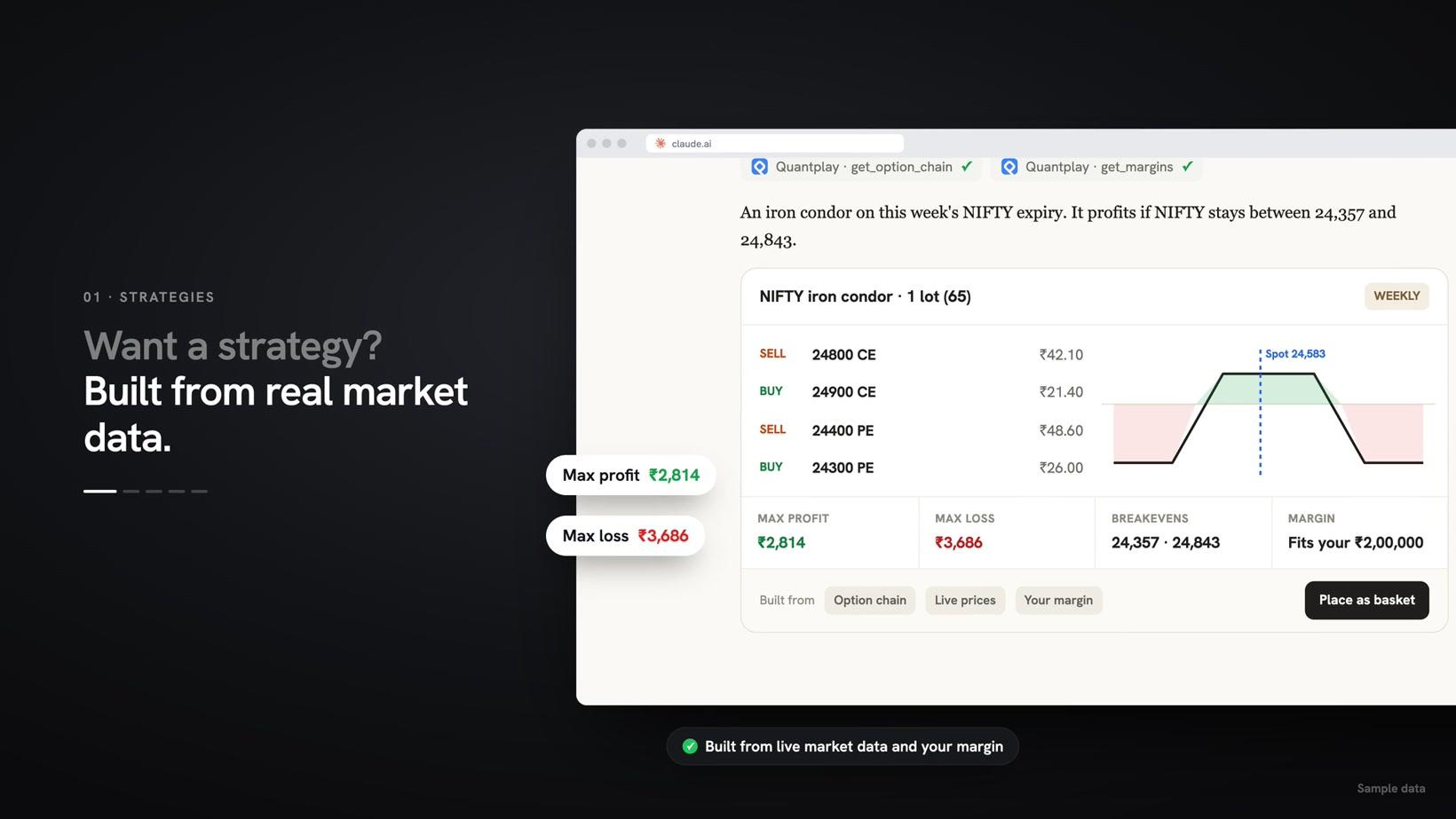
Claude builds a weekly NIFTY iron condor from the live option chain and your margin.
Watch 0:34 →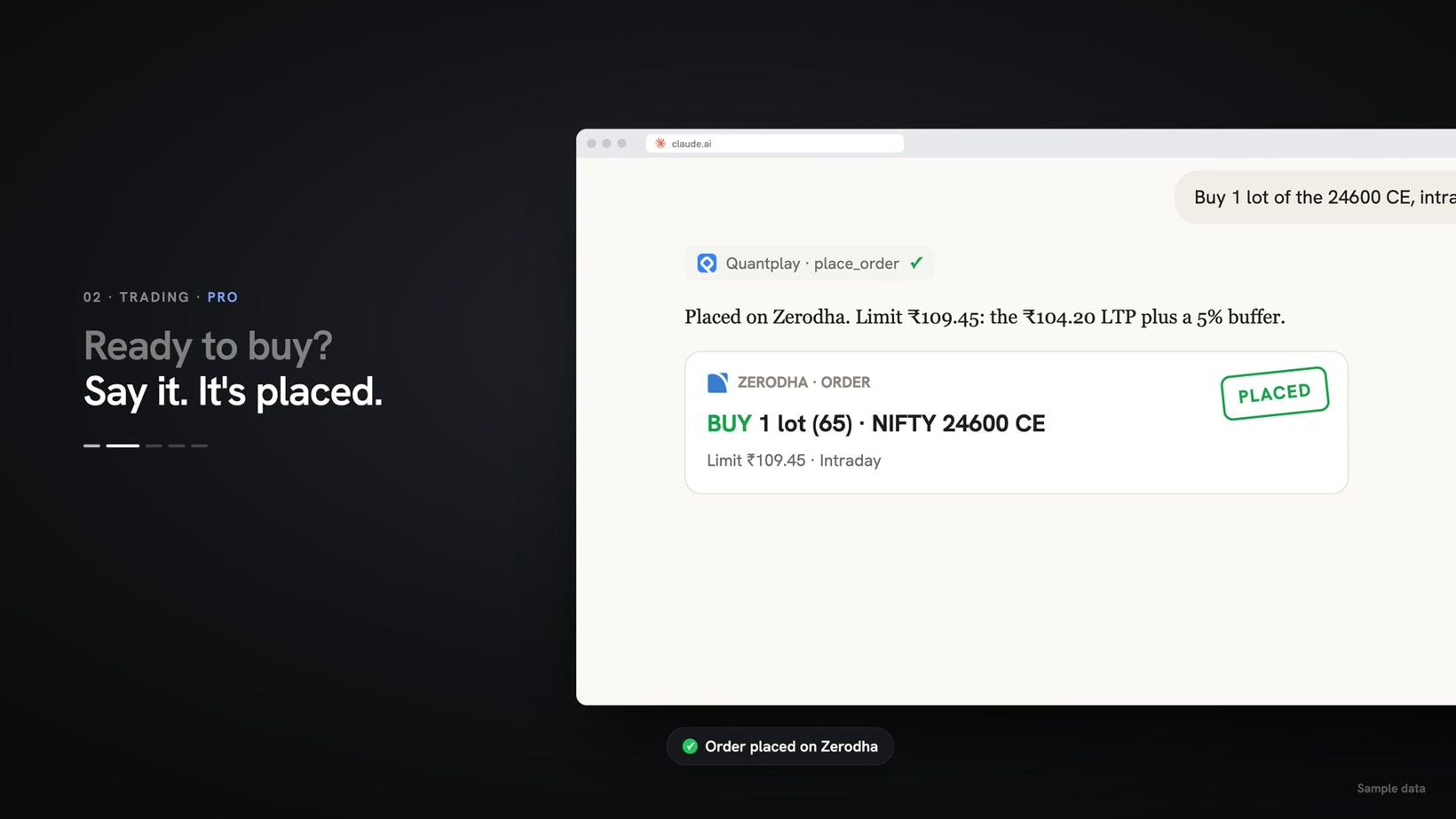
Claude places a NIFTY option order in a connected account (PRO, only if you allow orders).
Watch 0:41 →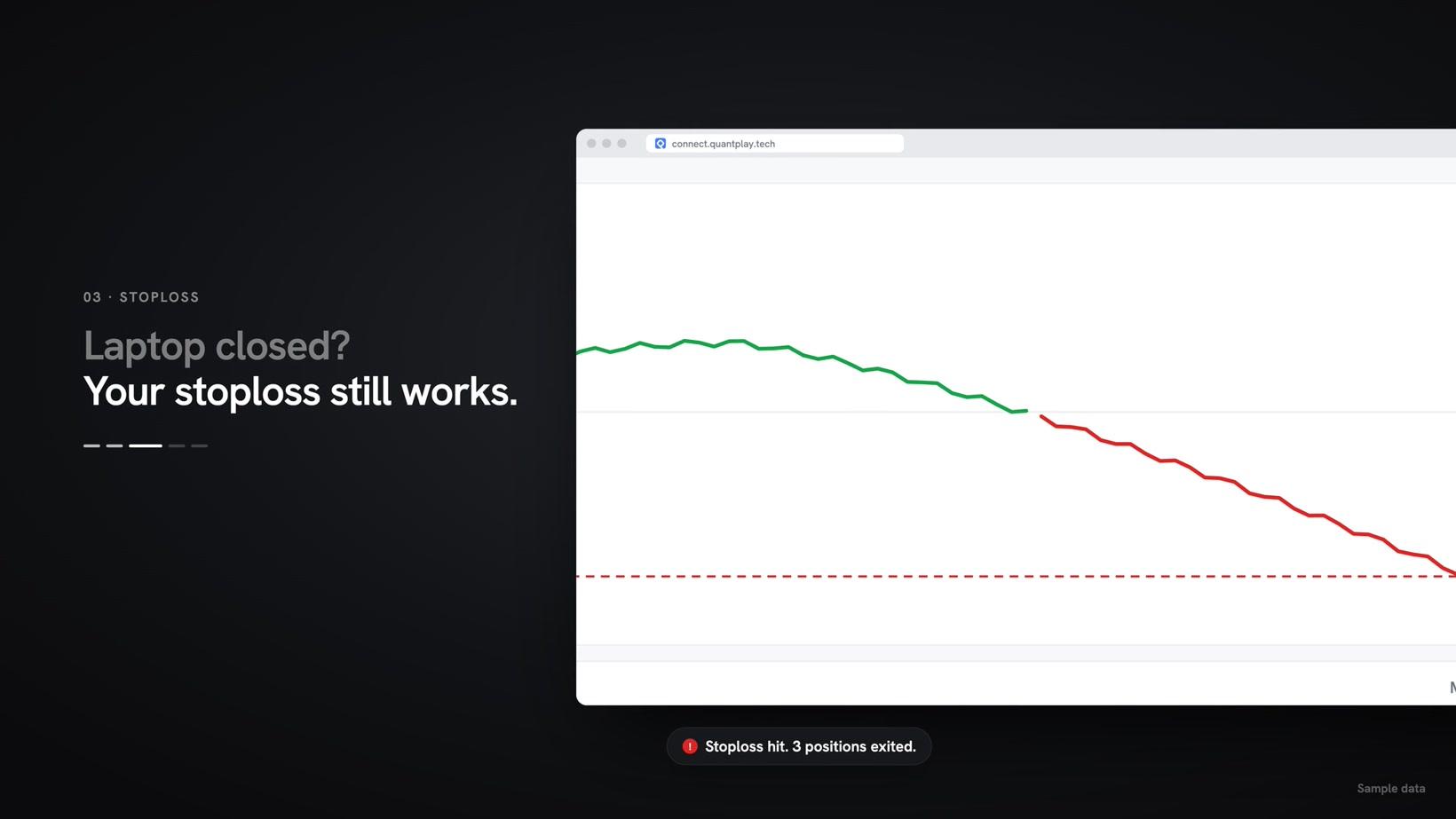
The intraday P&L hits the −₹10,000 stoploss and Quantplay exits intraday and F&O positions from its servers.
Watch 0:46 →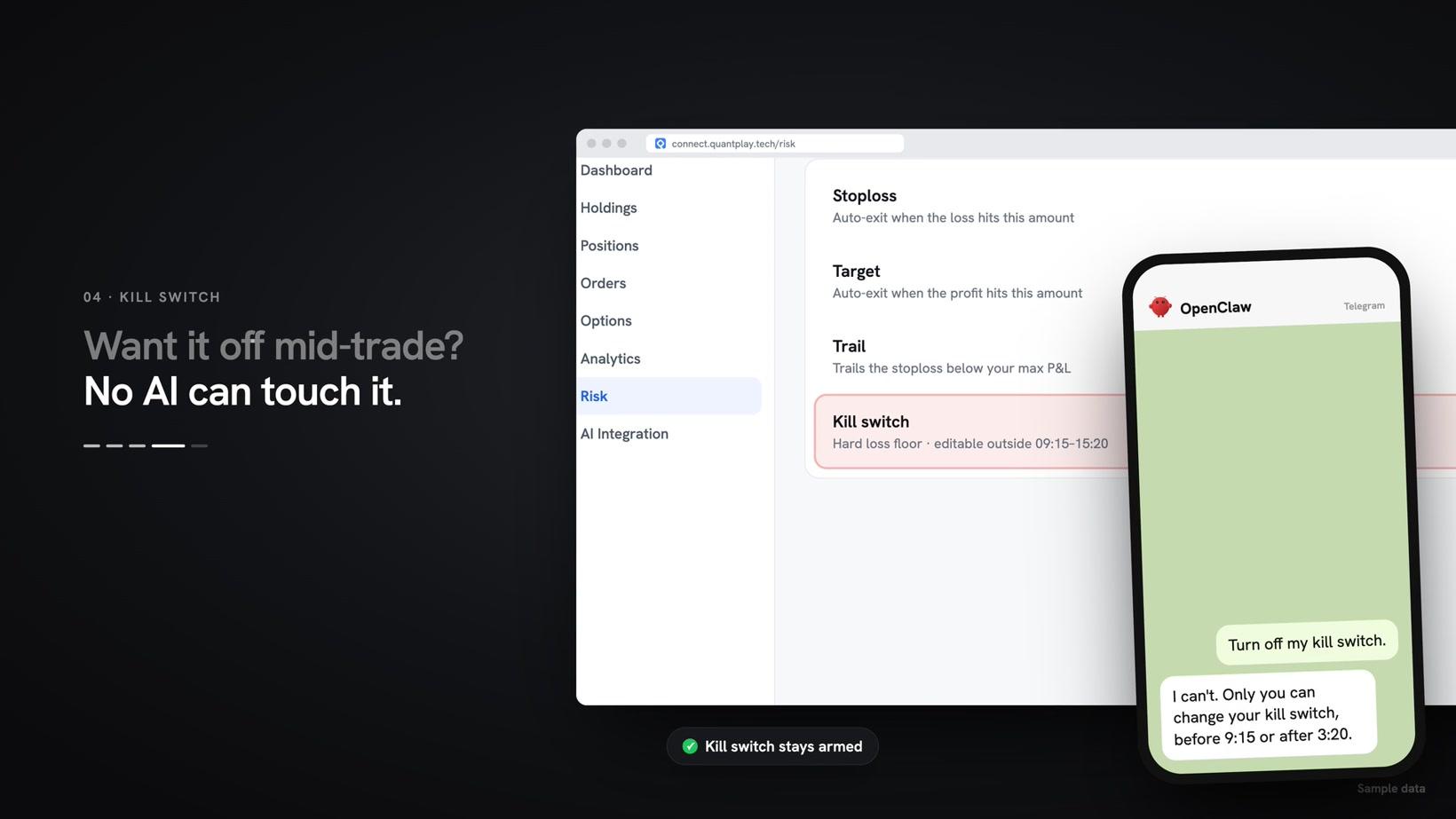
Asked on Telegram, the AI can't turn off the kill switch. Only you can, before 9:15 am or after 3:20 pm IST.
Watch 0:52 →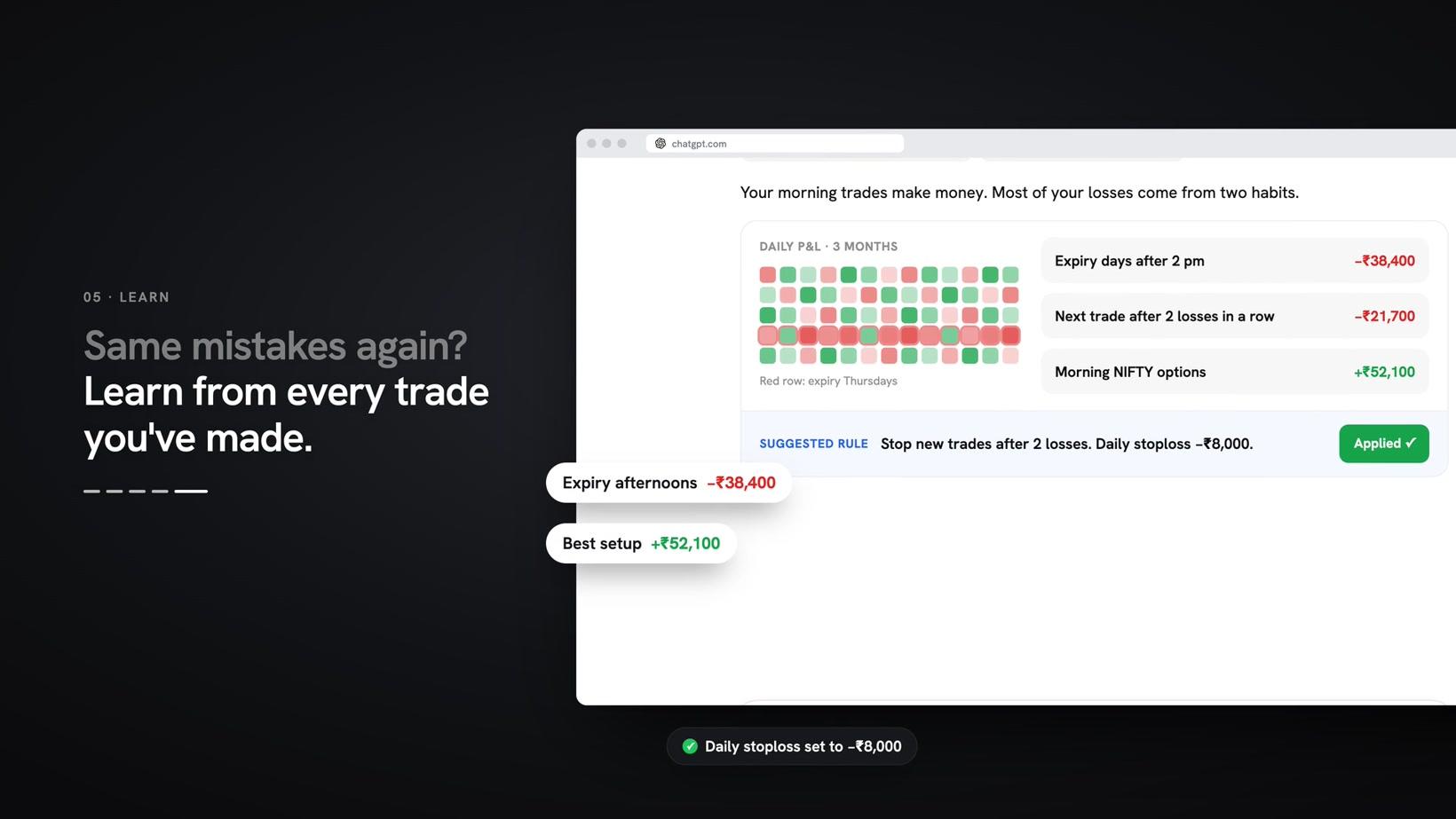
ChatGPT reads 3 months of P&L, finds the habits that cost money and applies a daily stoploss.
Watch 0:59 →Zerodha, Upstox, Angel One, Kotak Neo, Motilal Oswal, Alice Blue, Finvasia, Flattrade, IIFL, Jainam.
For account limits, see how the MTM stop loss works.
Connect your broker accounts to the AI app you use. Reading your accounts is free.